Extract Data
Introduction
The role of the Extract Data module is to update the destination (proxy and/or database) with the latest data from the data model. Jobs are set up for each signal ID or Data Model. These jobs make sure there's a constant few days' worth of data available at the destination.
Working with Data Extraction
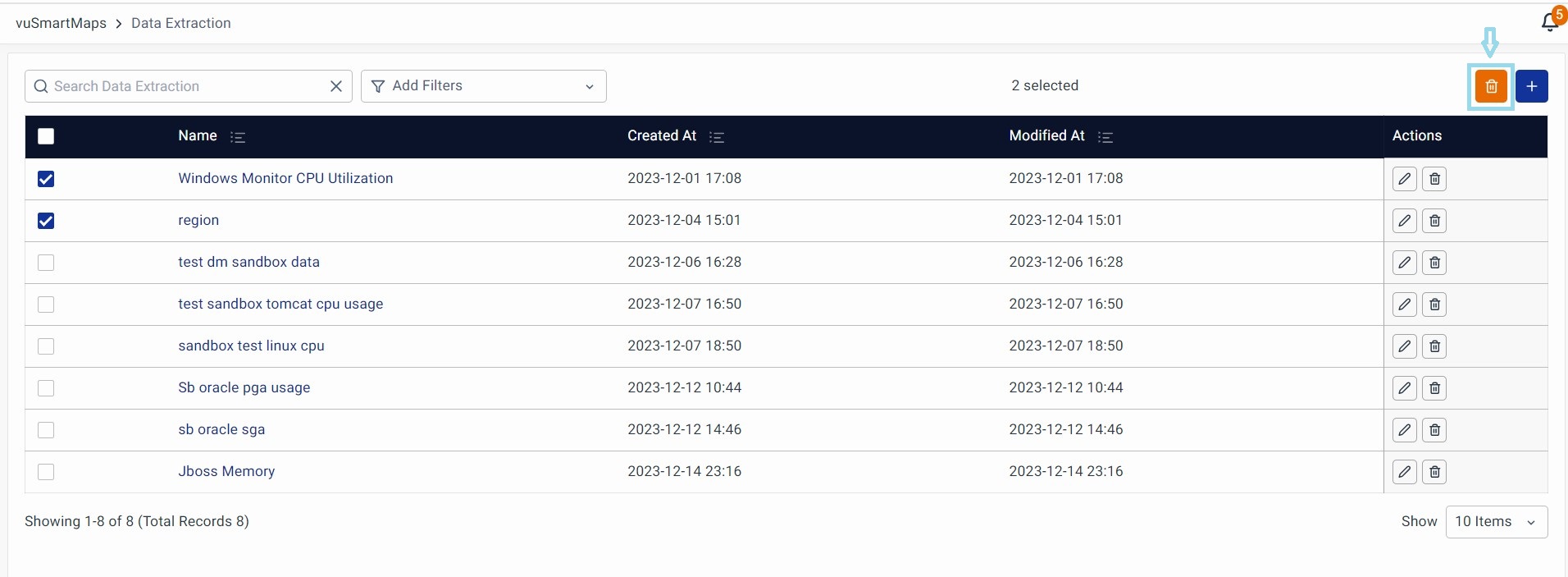
vuSmartMaps Data Extraction can be accessed by navigating from the left navigation menu (Data Ingestion > Data Extraction).

To create a new Data Extraction module, click on the + button.
Select Data Model: Choose a Data Model from the list for which the data needs to be extracted.
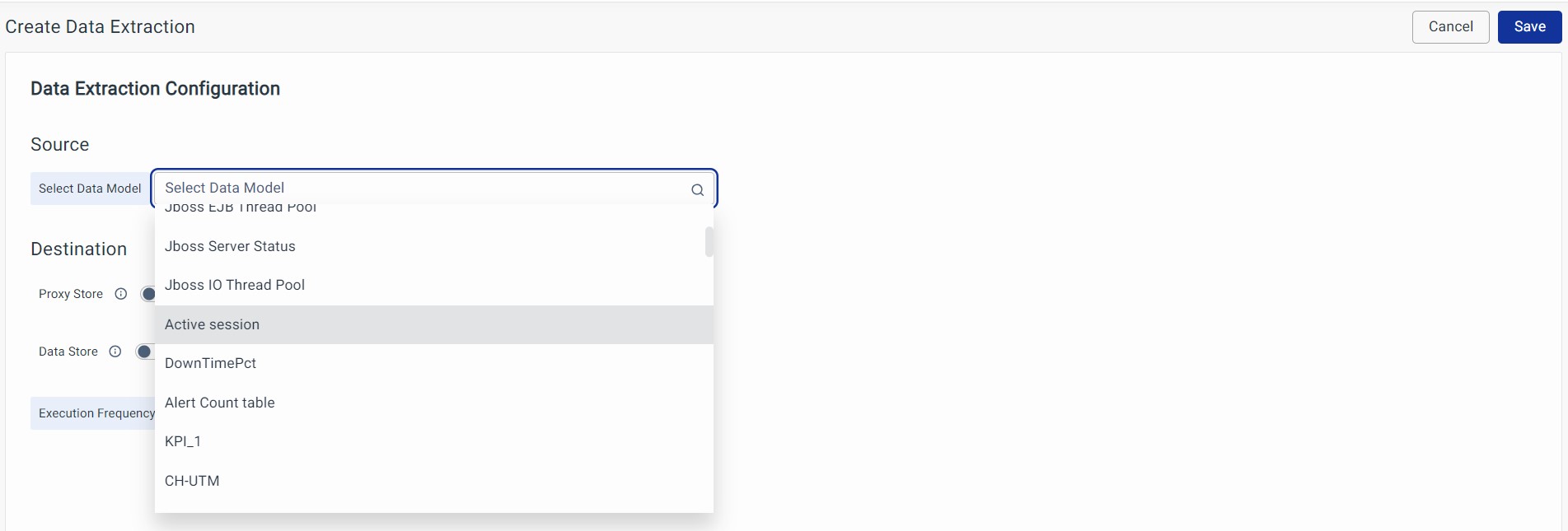
Destination: The extracted data can be stored in a tabular structure in 2 locations.
- Proxy Store: Enable Proxy Store, if the extracted data has to be stored in a data lake.
- Data Store: Enable Data Store, if the extracted data has to be stored in the in-house database.
You can enable both destinations at the same time.
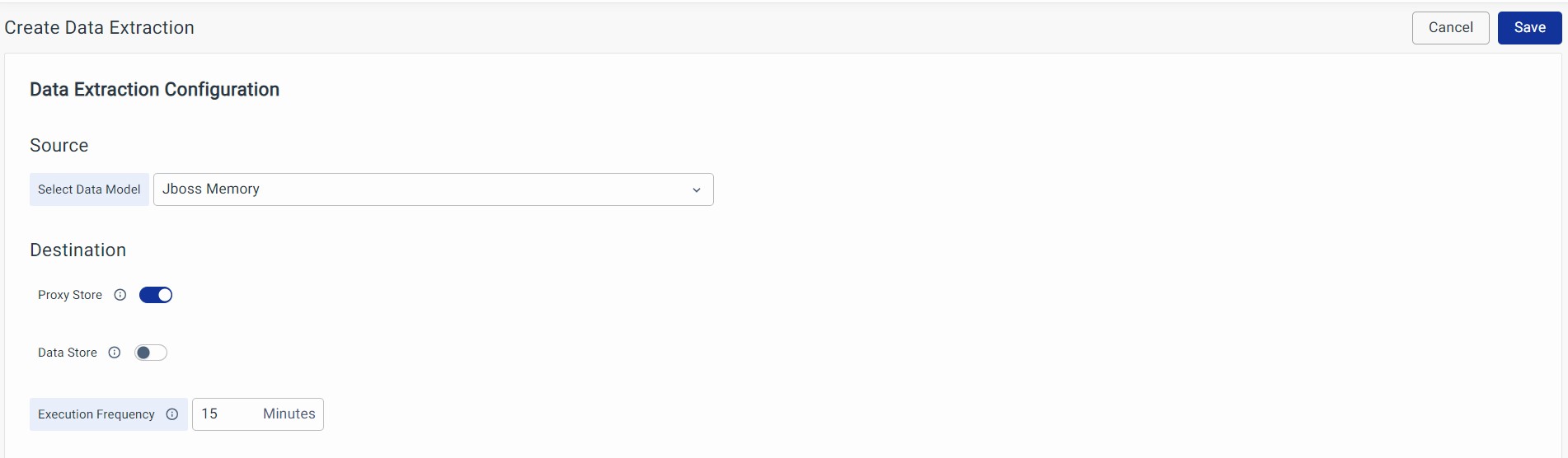

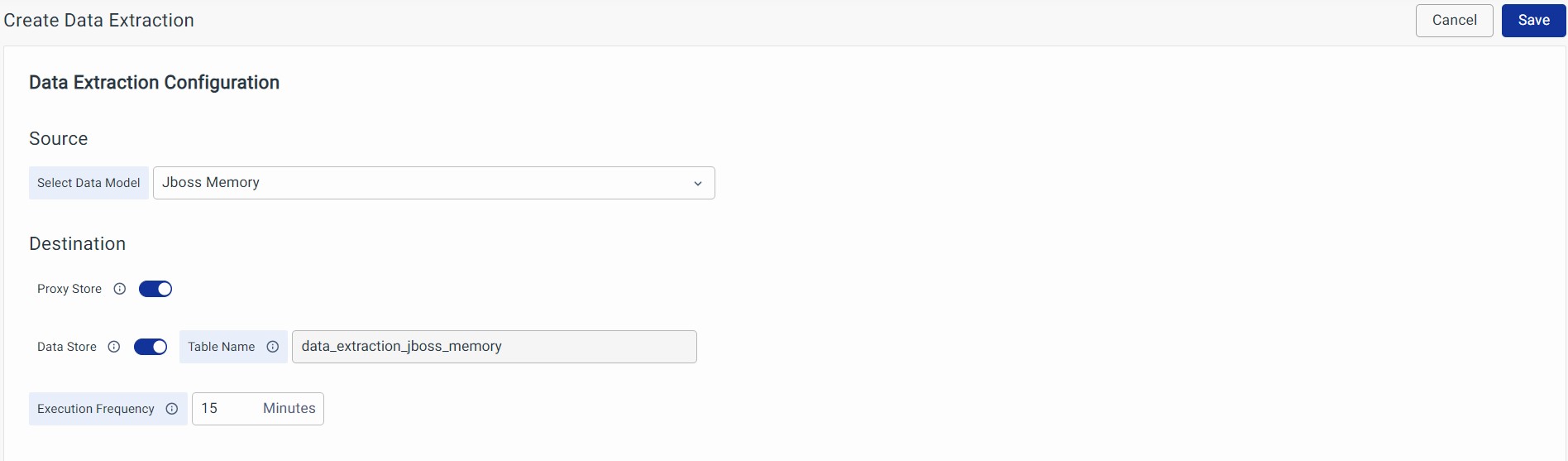
Execution Frequency: It is the interval in which the data extraction job has to run for the given source.

Save: Click on Save at the top right of the window and complete the creation of a Data Extraction Module.
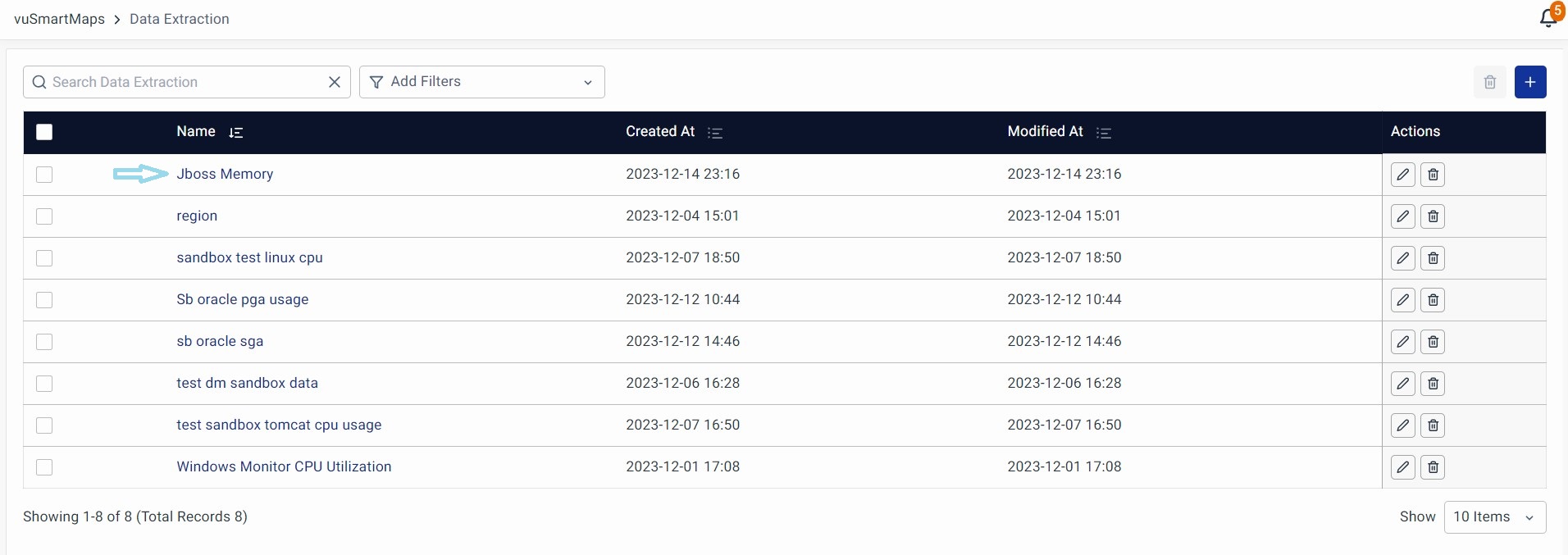
Data Extraction Actions
Edit
To edit a Data Extraction profile, simply click on the Edit button associated with the specific module.

Delete
Deleting a Data Extraction profile is straightforward. Locate the profile you want to remove, and in the Action column, click the Delete option.
Multi Delete
To delete multiple profiles at once, simply select the profiles you want to remove by checking the boxes on the left, and then click the Delete button at the top right.